この記事には広告を含む場合があります。
記事内で紹介する商品を購入することで、当サイトに売り上げの一部が還元されることがあります。
目次
ELB 経由の HTTP トラフィックを HTTPS にリダイレクトする
AWS上でELBを設定したEC2インスタンスにて、http 接続してきたユーザーを https にリダイレクトする方法をご紹介します。
通常は、ウェブサーバー内の設定で http で接続したとき、https にリダイレクトすれば問題は解決します。ただ ELB 経由の EC2 インスタンスへのアクセスは、ユーザーが http 接続しても https 接続をしても EC2 に到達した時点では http 通信になります。通常の設定を行うと無限ループに陥ります。
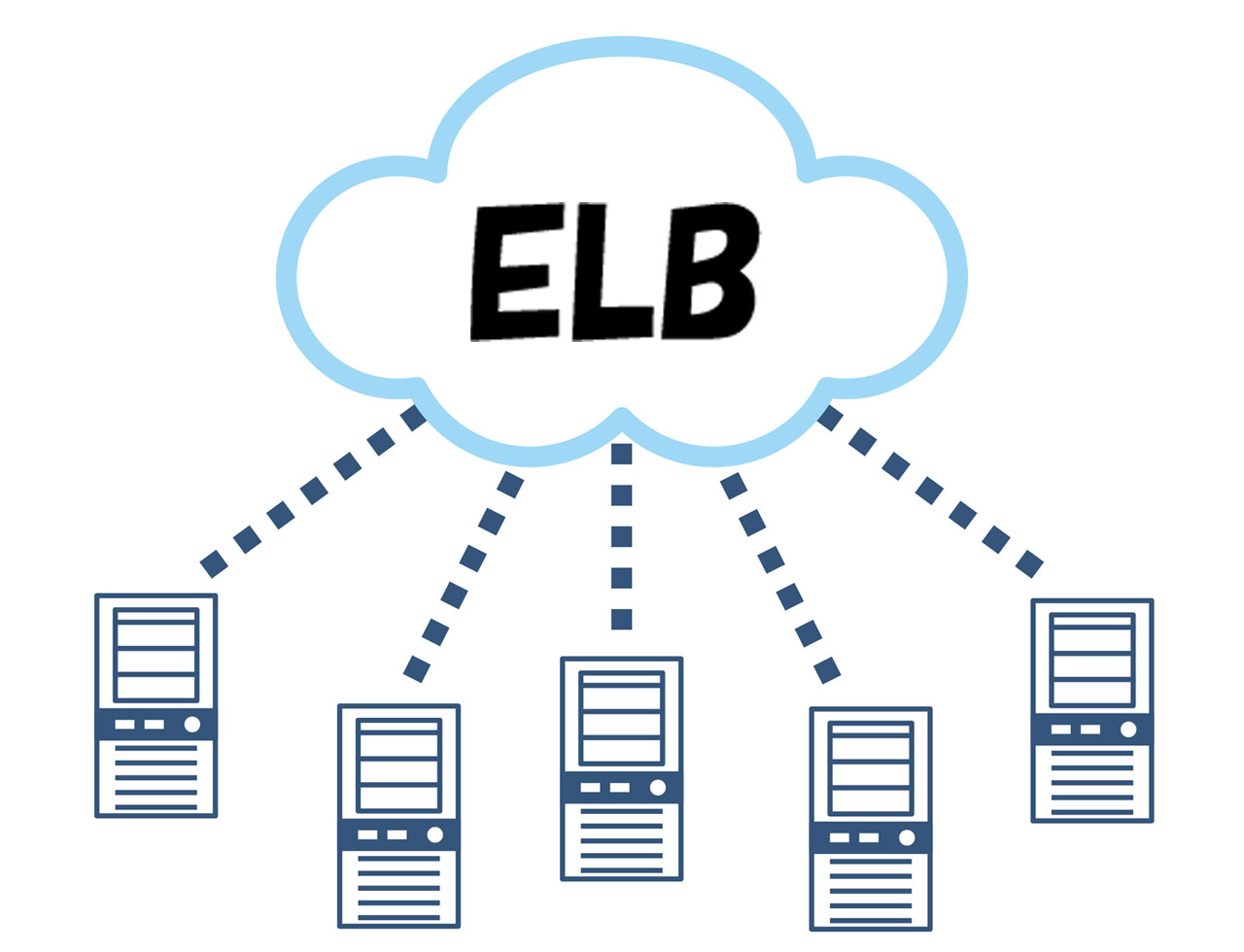
〇図解
ユーザー -(https接続)→ ELB -(http接続)→ EC2
ユーザー -(http接続)→ ELB -(http接続)→ EC2
ということで、nginx + ELB 環境にて http 接続を https にリダイレクトする設定を確認していきます。
nginx にて https にリダイレクトする設定
nginx にて HTTPS でリダイレクトするために、AWS では変数「$http_x_forwarded_proto」を提供しています。ユーザーが ELB に HTTP で接続してきたとき、$http_x_forwarded_proto に http と設定されているので、これを元に https へのリダイレクトを行います。
location / {
    if ($http_x_forwarded_proto = http) {
       return 301 https://$host$request_uri;
    }
}
〇AWS 公式「ELB の Classic Load Balancer で HTTP トラフィックを HTTPS にリダイレクトする方法を教えてください。」
https://aws.amazon.com/jp/premiumsupport/knowledge-center/redirect-http-https-elb/
実際に nginx を設定した conf ファイルの設定サンプル
server {
    listen 80;
    server_name example.com;

    root /home/example/htdocs/;
    index index.php index.html index.htm;

    location / {
        if ($http_x_forwarded_proto = http) {
           return 301 https://$host$request_uri;
        }
        try_files $uri $uri/ /index.php$is_args$args;
    }

    location ~ \.php$ {
        fastcgi_pass    unix:/var/run/php/php7.2-fpm.sock;
        fastcgi_index   index.php;
        fastcgi_param   SCRIPT_FILENAME $document_root$fastcgi_script_name;
        include         fastcgi_params;
    }
}